What’s New in HiStruct 2026
Over the past year, the HiStruct Buildings configurator has evolved quietly but consistently. Many of the improvements were driven by real projects and everyday feedback from users who design, quote and present prefabricated buildings on a regular basis.
This article provides a practical overview of the most important new features. Each one is explained in terms of what it does, why it exists and how it can help you work faster, more accurately or communicate your designs more clearly to customers.
Smarter input and clearer modelling
One of the recurring themes of recent updates is clarity at the very beginning of the project.
Numerical input for variable stem wall height has been reworked to be more intuitive and less technical. This reduces confusion when defining different base heights and helps avoid errors early in the modelling process.
Roof overhangs are now visually indicated directly on the first page Building using a dashed line. Even though the overhang is defined later in the Sheeting settings, users can immediately see that an overhang is present and how it affects the building outline. This is especially useful when discussing dimensions internally or with customers.
The roof overhang itself has also gained more flexibility. It can now be defined as a separate structural group, allowing different shapes or profiles compared to the main frame. This enables more realistic modelling of architectural or functional overhang solutions.
For special construction systems, the configurator now allows purlin spacing greater than the original 3 metre limit. This makes it possible to represent non-standard layouts accurately instead of approximating them.
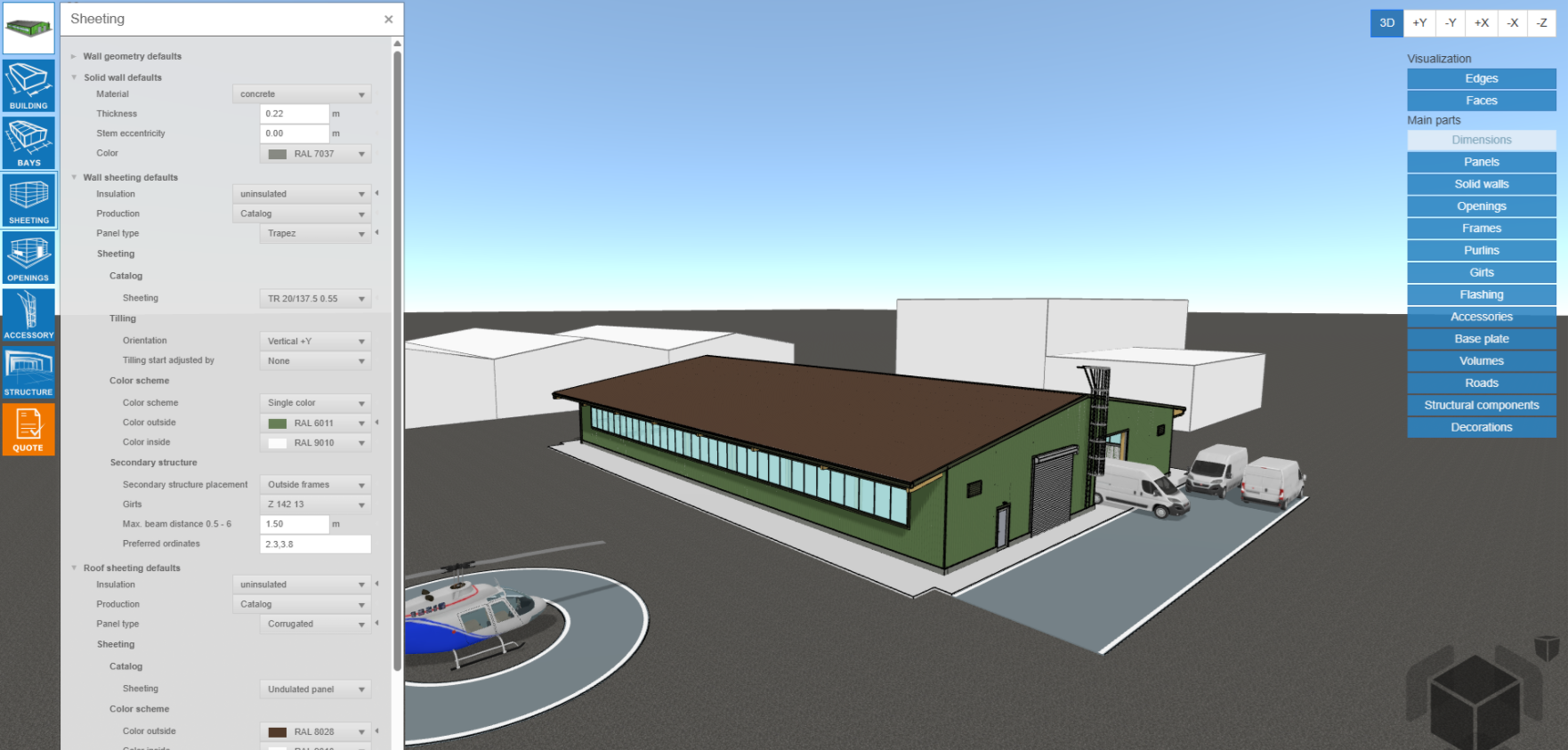
Openings were extended with a new type: rolling doors with fine lamels. This improves the realism of building visualisations where this type of door is used and makes rendered views more representative of the final building.
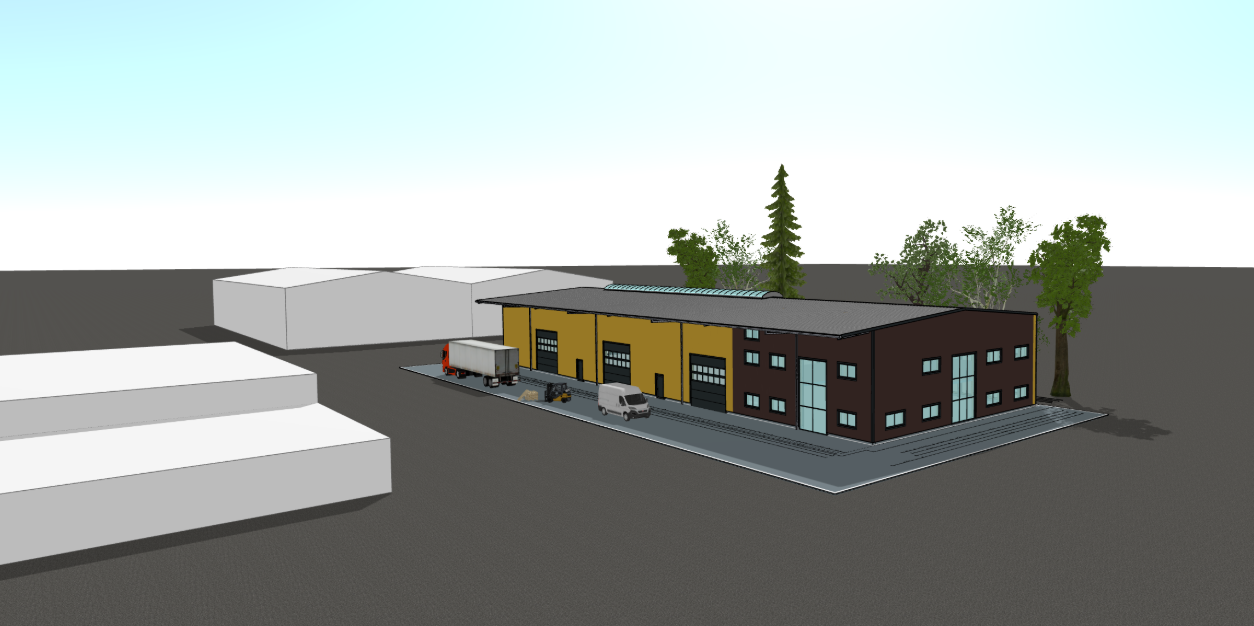
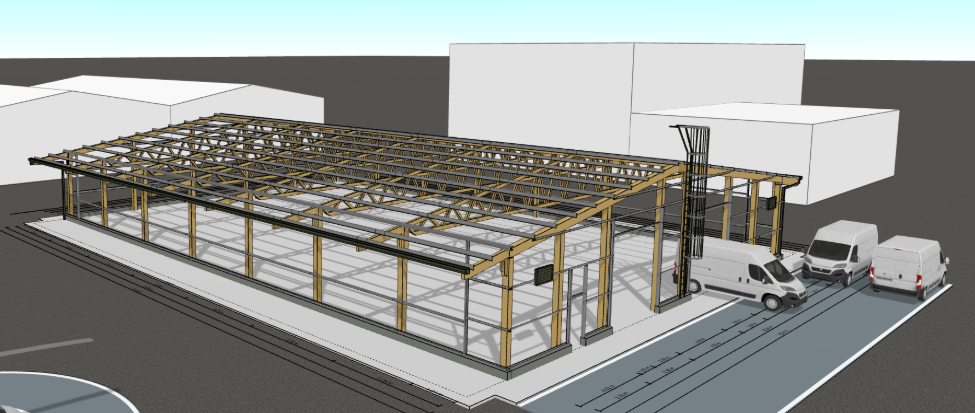
Several new 3D decorations were also added, including a van, padel players, or a small aircraft and a helicopter for hangar projects. These elements help place the building into its real world context and make presentations more engaging and easier for customers to relate to.
More flexible and realistic structural logic
Significant improvements were made in how structural elements can be defined and combined.
Columns can now be controlled independently on each side of the hall. This is particularly useful when columns are made from different materials, have different profiles or are part of an existing structure on one side while being new on the other.
Beam haunches are now much more flexible. You can define zero length haunches on one side only, keep haunches in frame corners while removing ridge haunches, or combine these options as needed. This allows the configurator to reflect real engineering solutions more closely.
For timber halls, new bracing shapes were added, including A shaped and V shaped configurations. These options better reflect common timber bracing systems and improve both visual accuracy and documentation.
Timber truss modelling has also been improved. Instead of being limited to predefined member profiles, users can now freely select profiles for individual truss members. This leads to more realistic visualisations and more precise data for drawings and bills of materials.
A new timber truss shape was added as a main girder option, expanding the range of timber structures that can be modelled.
The material database was extended with Z profiles from Schrag for thin walled secondary wall structures. In addition, insulated PUR panels are now available up to 240 mm thickness, supporting projects with higher insulation requirements.
Clearer outputs and more informative reports
Many updates focus on improving how information is communicated in outputs and reports.
Project data is now transferred more clearly into PDF report headers. This makes enquiry and offer documents easier to read and understand, especially for end customers.
Roof overhangs are now automatically dimensioned in 2D rendered views. This applies both to snapshots generated directly from the 3D scene and to side elevation pages in PDF reports. For projects where roof overhang size is important, this removes the need for manual explanations.
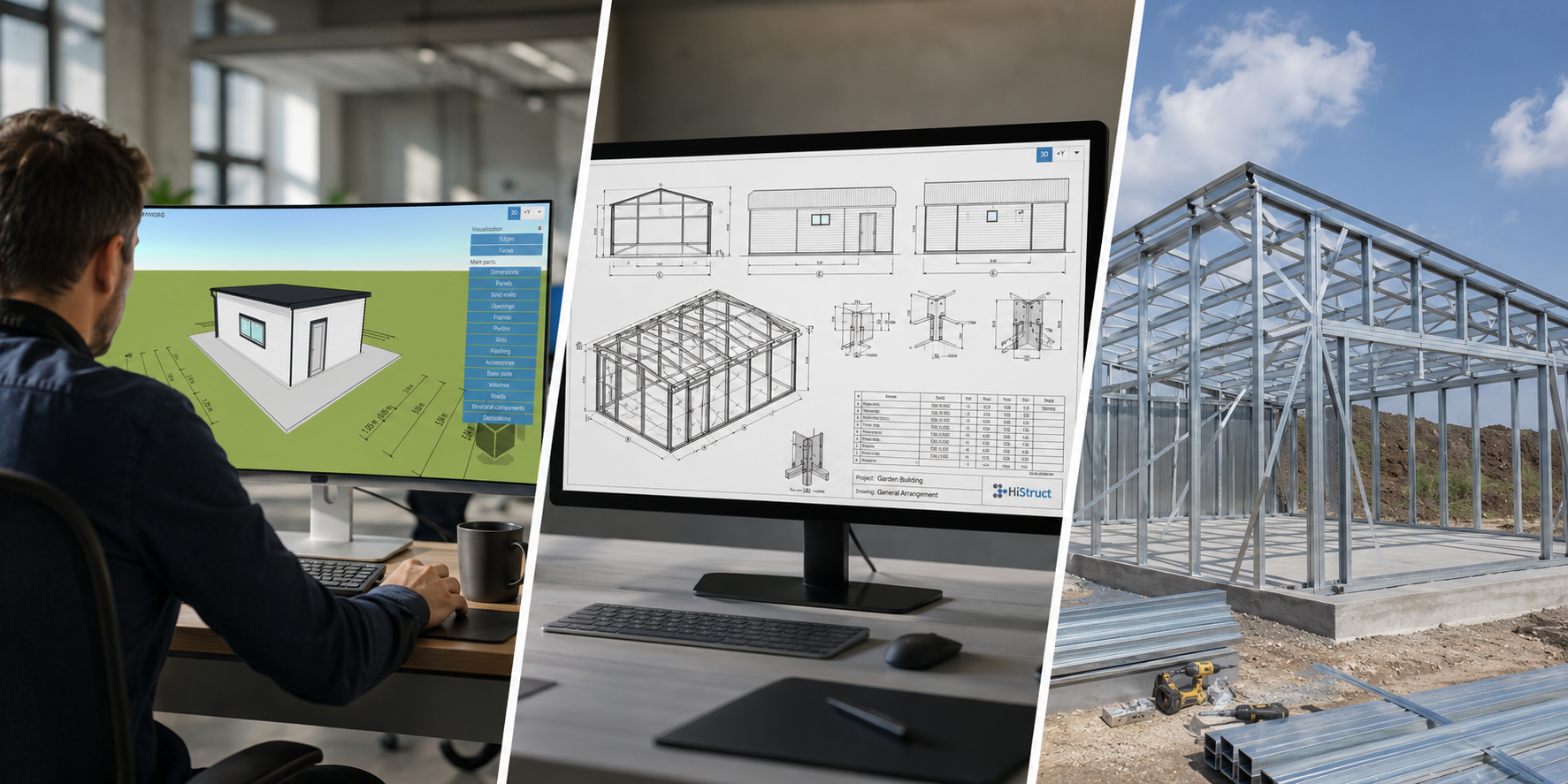
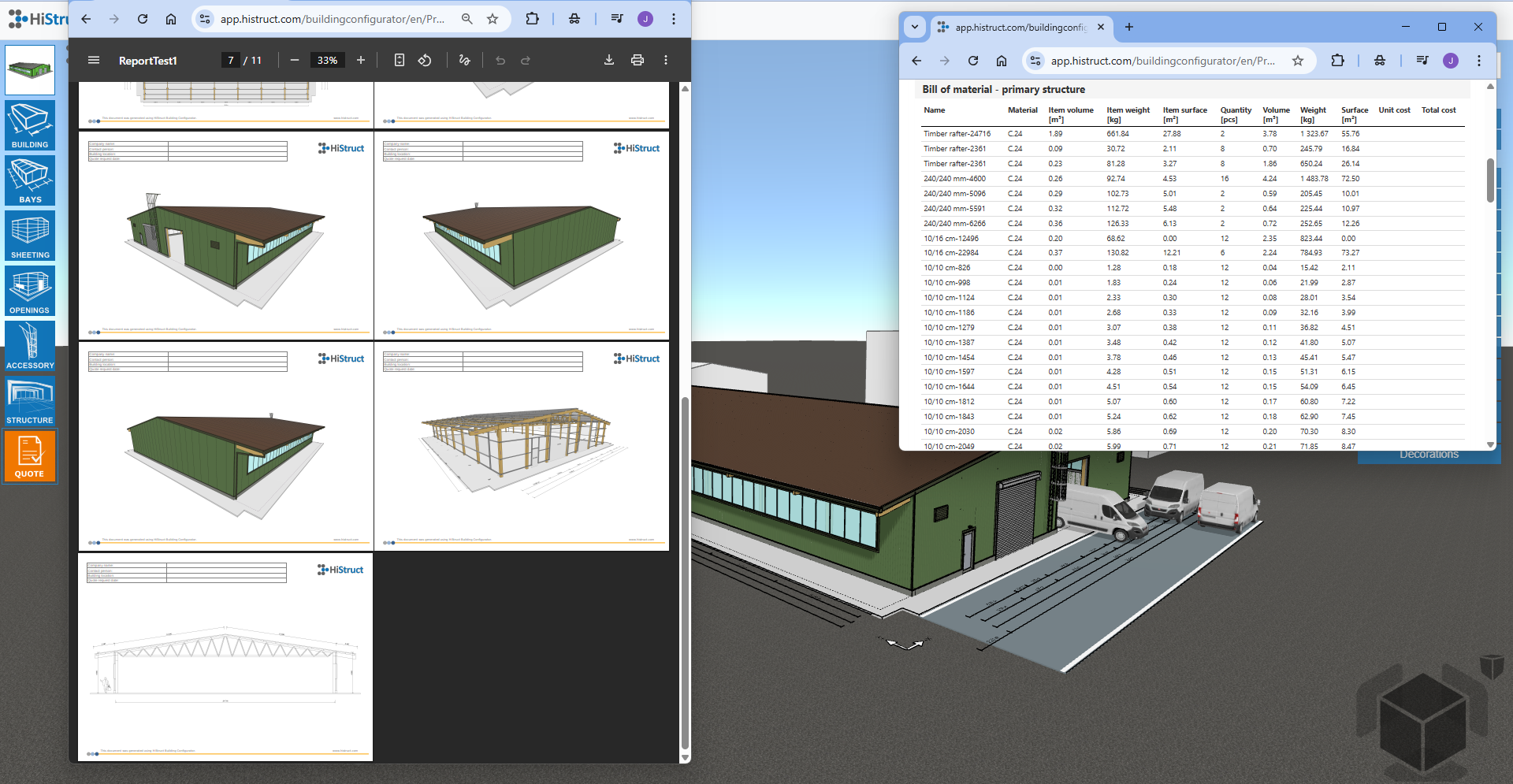
PDF outputs were expanded with a new 2D section through the main frame, including full dimensioning. This gives customers and project partners a much clearer understanding of the structural logic.
Rendered views in PDF reports were switched from axonometric to perspective projection. The result is a more natural and realistic visual representation that aligns better with how customers expect to see buildings.
Site snapshots are now generated faster and always include all 3D decorations. Bills of materials were expanded with the surface area of the primary structure, which is particularly useful for coating and surface treatment calculations.
Finally, new visibility toggles allow users to show or hide individual structural elements directly in the 3D model, making it easier to focus on specific aspects of the rendered model.
Design and present halls with confidence
All of these improvements share one goal: helping you design, explain and present prefabricated halls more efficiently and with greater confidence.
If you are already using the HiStruct Building configurator, the best way to explore these features is simply to open your next project and try them out.
If you are not using HiStruct yet, you can request a trial version and see how the configurator fits your workflow and projects.
🔗 Go to the configurator
🔗 Request a trial version