HiStruct Easy Guide: How to Model a Roof by Outline
Whether you're a roofing materials manufacturer, estimator, or construction planner, this tool helps you model complex roof structures with just a few clicks. Learn how to quickly create a roof model from an outline using the HiStruct Roofs 3D Roof Configurator.
Modeling a roof from an outline is just one of the many ways how to create a roof in HiStruct. We’ve prepared a detailed video that walks you through the entire process step by step — from creating a new project, through drawing and adjusting the roof outline, to modifying the 3D model and exploring the options available in the final outputs.
💡Watch the full workflow in our video tutorial How to Model a Roof by Outline and learn how to quickly create a roof model using the HiStruct Roofs 3D configurator.
In the video, you will learn:
- What you can find in the HiStruct dashboard
- How to create a new project, name it, and add contacts
- How to model the roof by drawing the outline
- How to measure any roof section and make adjustments
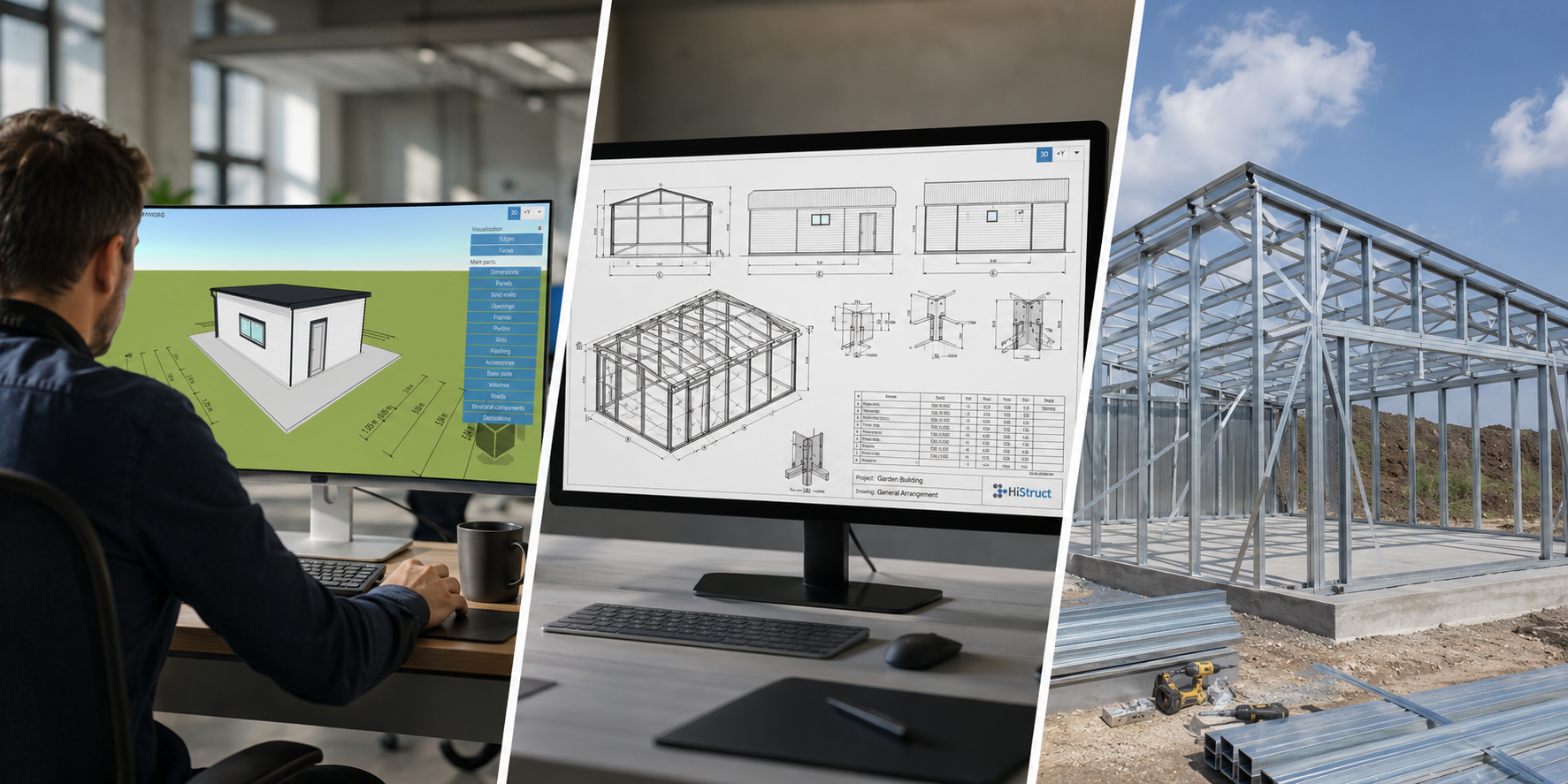
- How to view real-time 3D visualization with automatic detection of roof planes and flashings
- How to adjust the 3D model
- How to create and edit installation drawings and generate outputs such as a bill of materials
- You will see real-time 3D visualization with automatic detection of roof planes and flashings and much more
💡Want to learn more about HiStruct 3D configurators? Check out our other applications:
HiStruct Buildings
💡 Have a unique product and need a custom configurator? Explore our Custom Development options for 3D configurators.